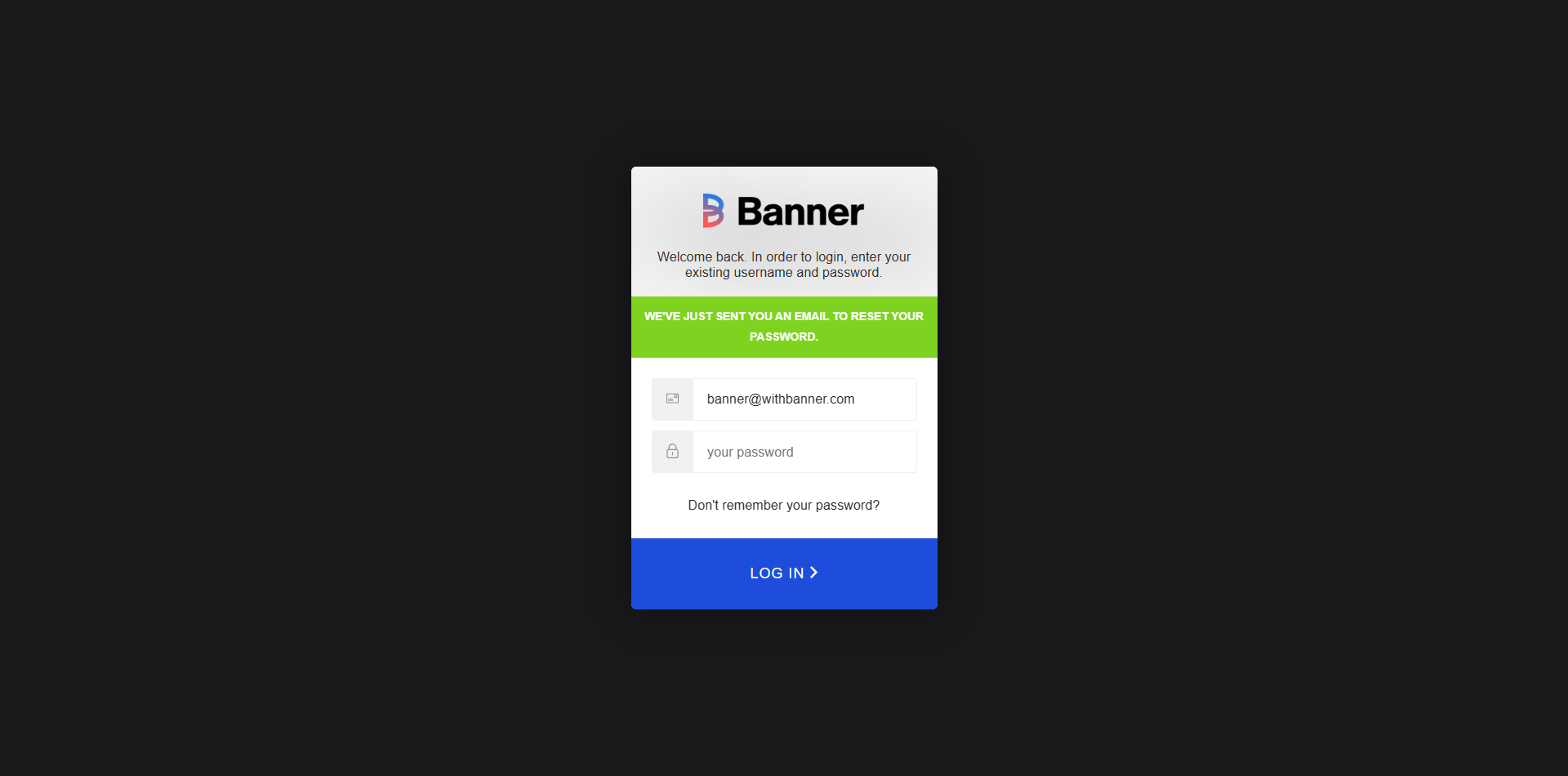
You can reset or change your password through the login page.
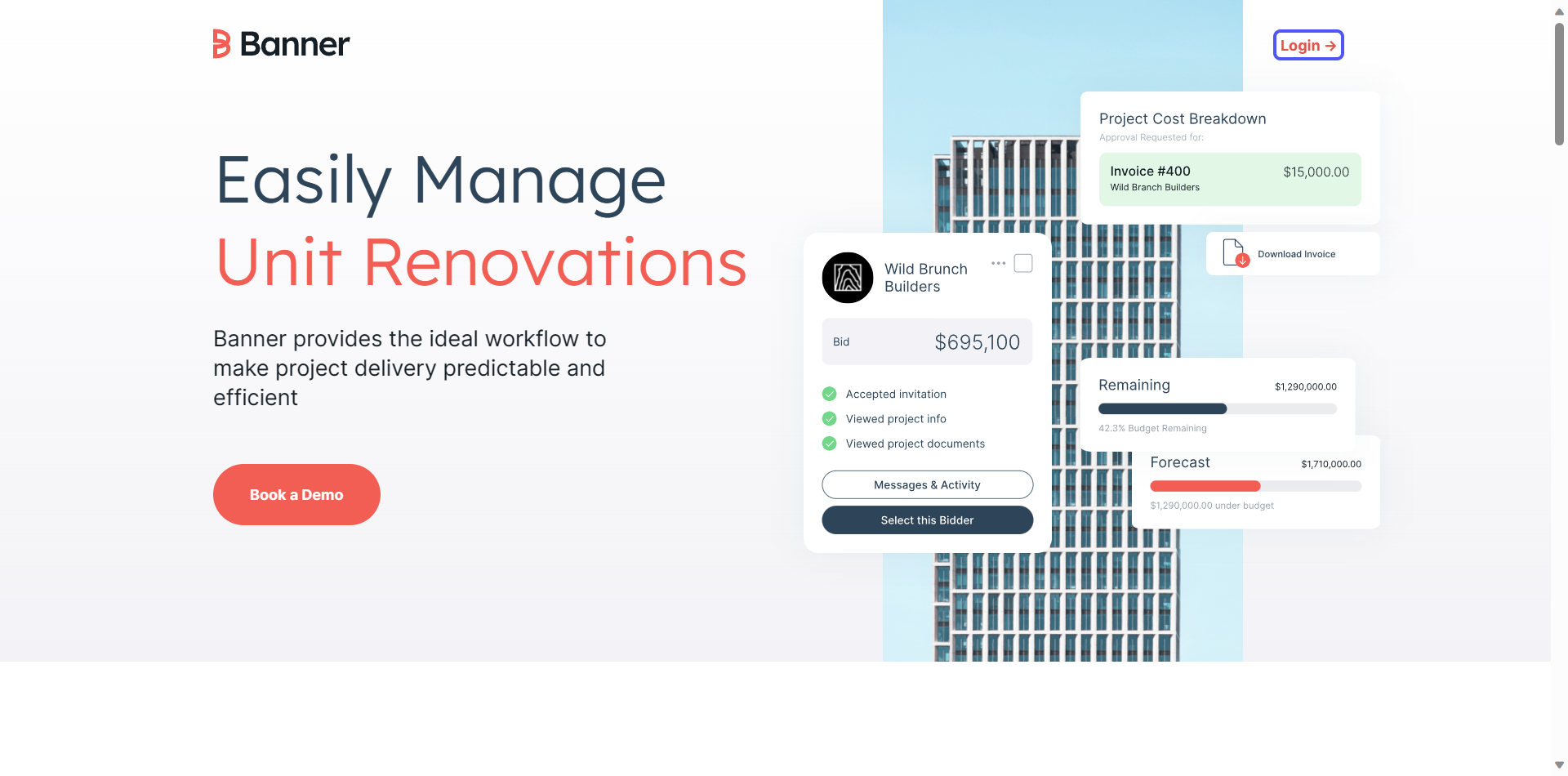
Click “Login”
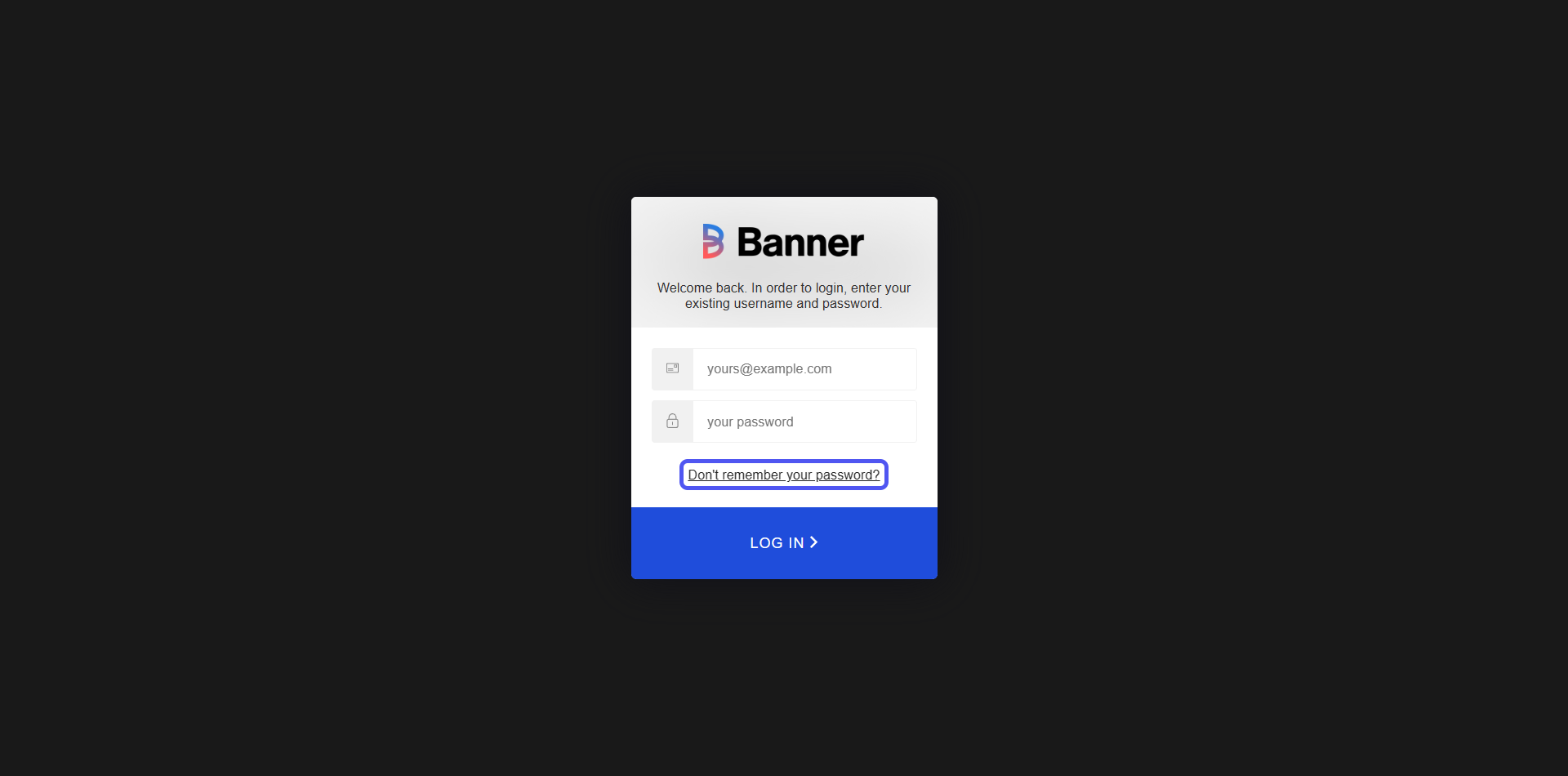
Click “Don't remember your password?”
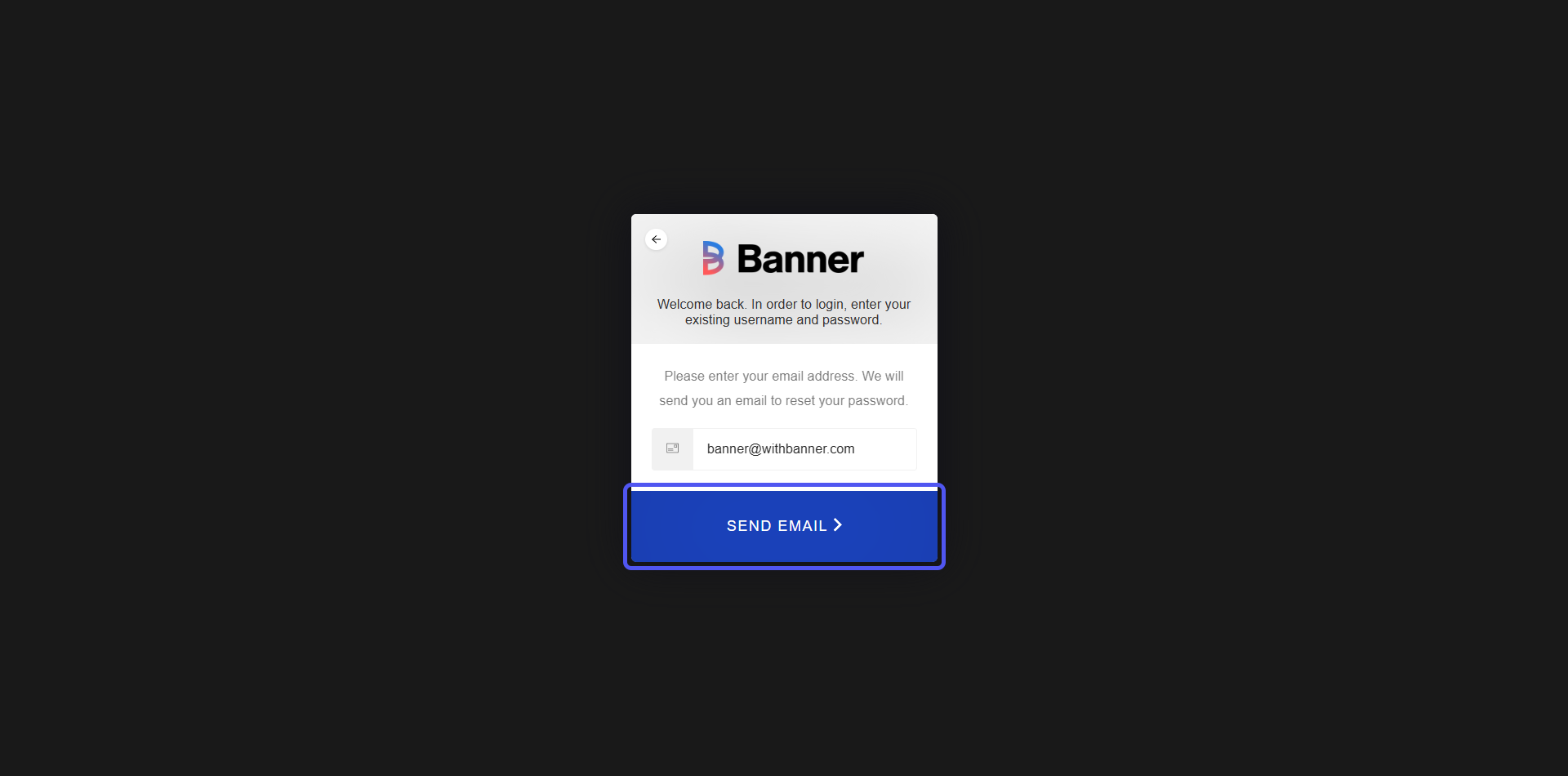
Banner will ask you to enter your email address
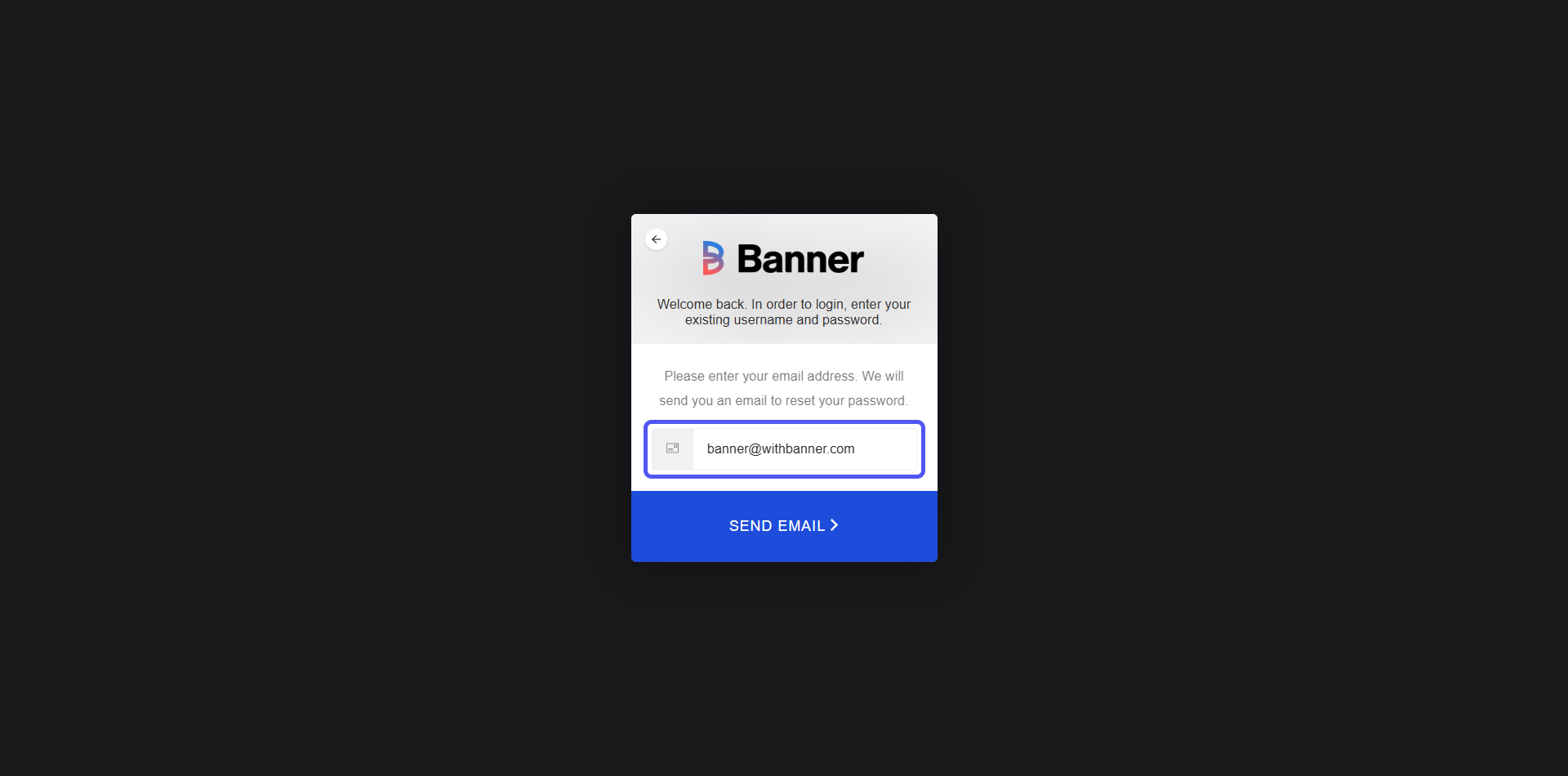
Click on "SEND EMAIL"
You will be notified that an email was sent to reset your password